


Let’s dive into what digital citizenship is and why it’s so important to teach in the classroom
Basically, digital citizenship is about teaching young people how to act responsibly online. In today’s digital age, students have a heap of information at their fingertips, and with all this exposure, it’s important they know the basics about digital etiquette and online safety!
Learning how to be a good digital citizen comes hand-in-hand with learning how to be a considerate person; nurturing a sense of empathy towards others, and developing healthy relationships. Digital citizenship will also give students a headstart in their future careers as more and more jobs will value digital skills in the coming years.
There’s a lot to pack into this topic of digital citizenship for kids — and we know you teachers are busy — so let’s break things down into four key focus areas that will help guide students as they grow into good digital citizens: Respect, Digital Footprint, Protection, and Copyright.
Free Digital Citizenship Templates
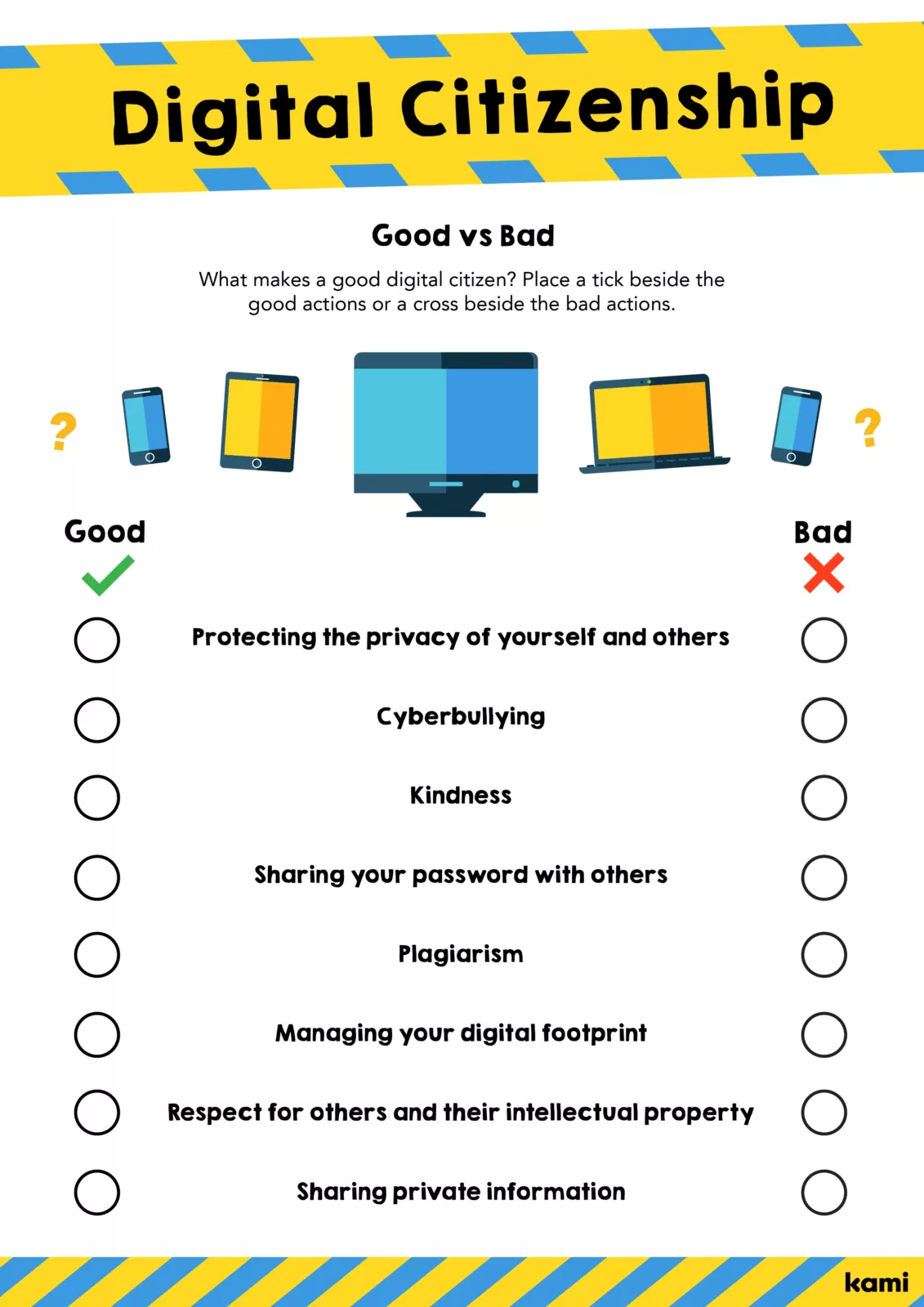
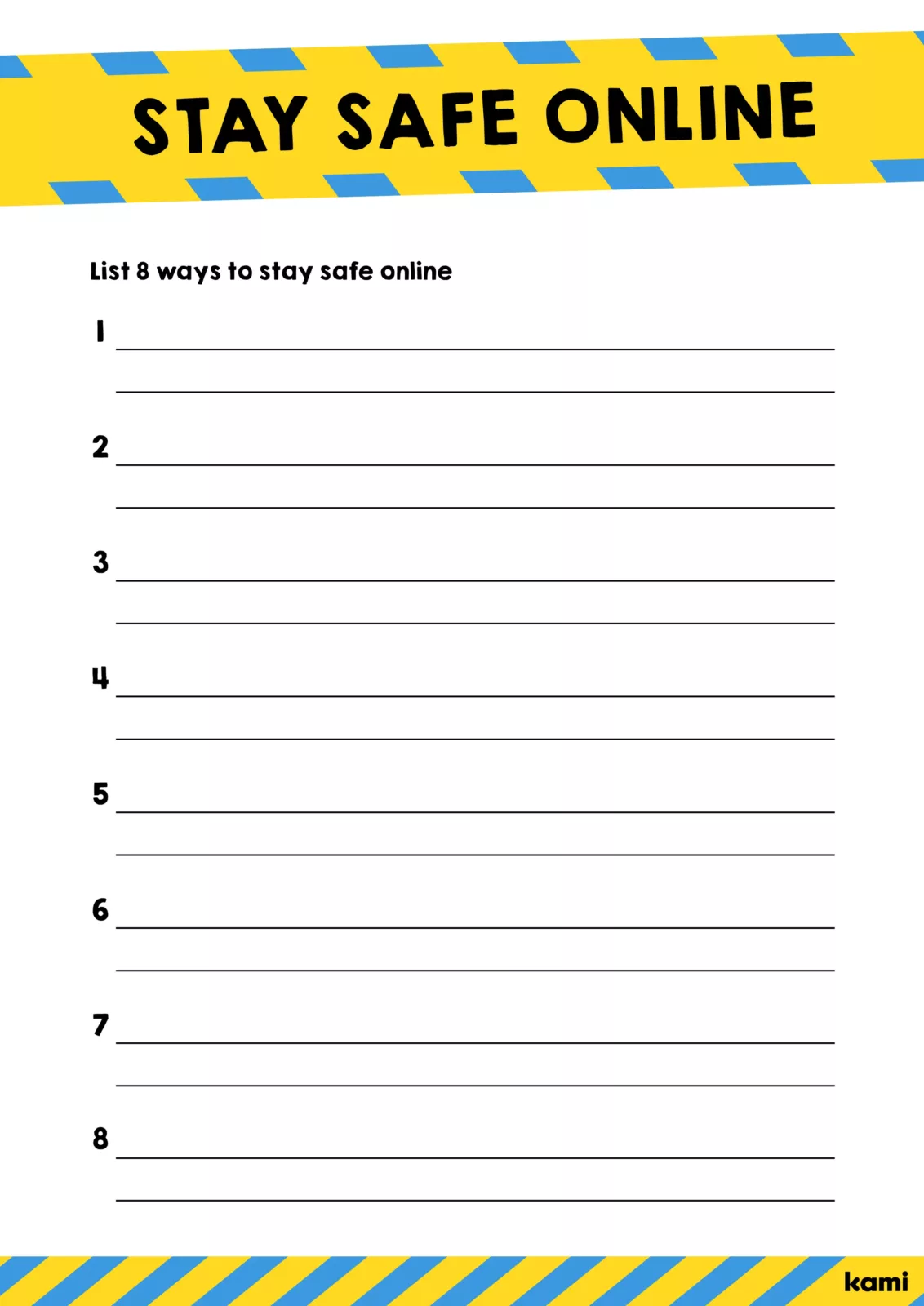
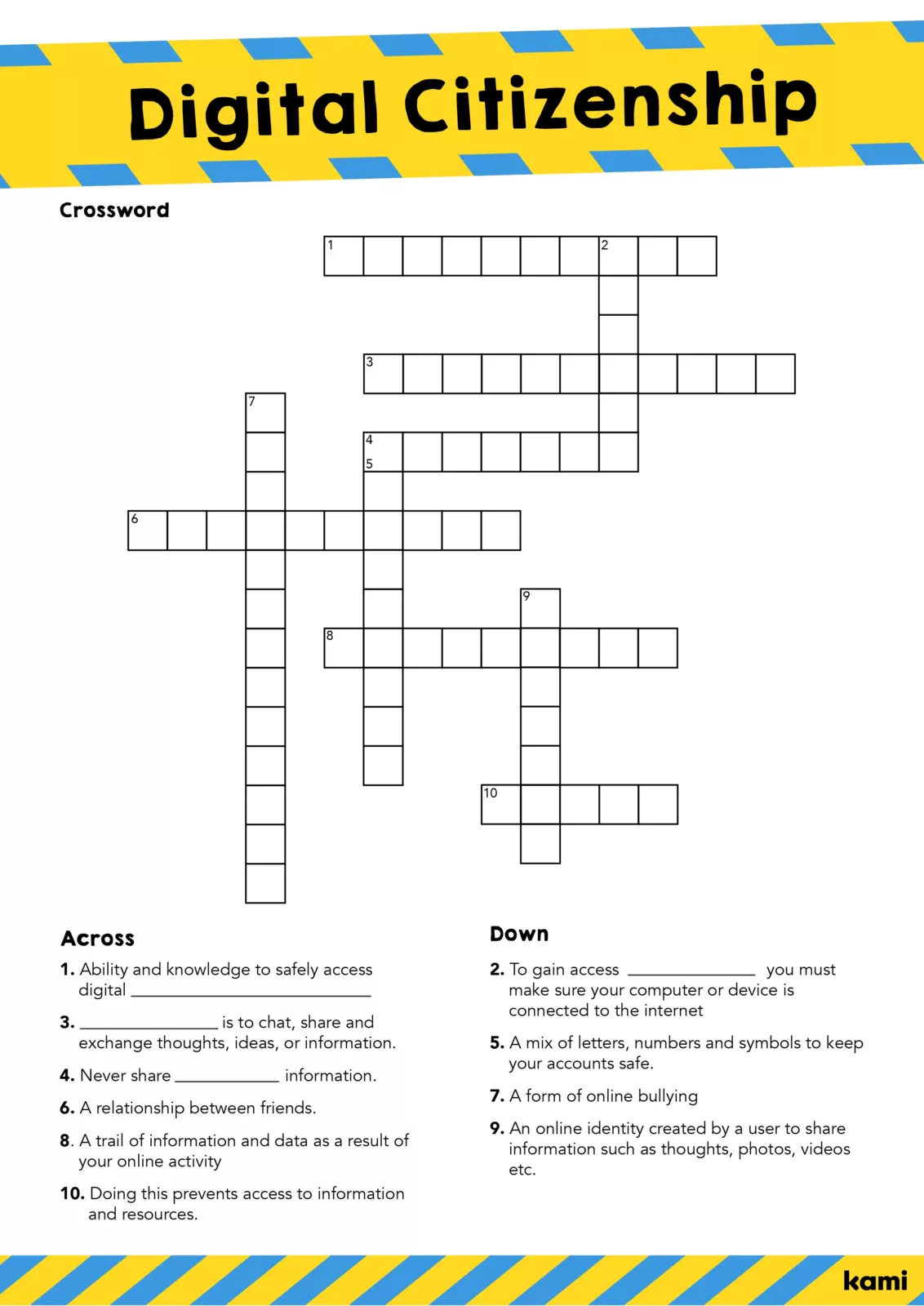
Free download at the Kami Library
What is digital citizenship and why is it important for today’s learners?
Respect
When teaching students about the basics of being a good digital citizen, try starting with the most fundamental golden rule: treat people how you’d like to be treated – in real life and your digital lives!
We all know how easy it is to misinterpret messages we receive online. These situations are even harder for kids as online interaction takes away the social cues they’re often still learning. Without tone and body language, it’s easy for words to get lost in translation. Put this into practice by playing a fun game with your students where you include some examples of messages that could be misinterpreted to demonstrate the difference between communicating face-to-face and digital communication. This will help to bring home the point that online messaging can so easily get lost in translation!
This is also a good time to address cyberbullying. Teaching kids how to be good digital citizens is a key way to prevent cyber-bullying. It’s always good to set students up with responses and always remind them that if they’re being bullied online, they should tell you, their parents, or any trusted adult! Hold a brainstorming session with your class and see if they have some ideas on how to best respond to harassment online.
It’s also important to discuss the very real impact cyber-bullying has on people’s well-being – kids can often feel detached from their online personas and not understand the social and emotional impact of their actions.
Digital footprint
In relation to respect, students also need to be reminded anything posted online is going to stick around. The common phrase “think before you speak” is now also “think before you post.”
In a world where it’s also common for future employers — or anyone for that matter — to search for information about someone on social media; students need to be aware of what they’re putting online and how to create a positive image of themselves. Digital literacy isn’t just about students understanding how to use apps and social media, but also understanding their online data, how it’s used, and what they are agreeing to when they tick the terms and conditions box!
Protection
Internet safety is a crucial part of all digital citizenship lessons. It’s important that students know how to create a strong password, how to diversify their passwords, and have a few secure password apps where they can store and keep track of their information.
Another important aspect of online safety is making sure students know of private information that could identify them in pictures they post online. This could be things like posting photos of cars that include license plate numbers, addresses, phone numbers, etc. Why not create a quick quiz to see if students know how to protect themselves online and include questions about geotagging in photos and about sharing their location through different apps.
As scams, phishing, and identity theft become more sophisticated, so should childrens’ understanding of digital security. Try showing your students a few examples of what phishing emails look like and see if they can differentiate which ones are real and which ones are fake. This will open up a good conversation on how to identify the key giveaways of a phishing email like the sender’s email addresses and hovering over links.
Copyright
It’s important to teach students how to respect other people’s property online as you would in any copyright lesson. It can be as simple as reminding students that they need to cite the original source, or not simply relying on Google as a correct citation. Sometimes students need a reminder that because the content is readily available on the internet, doesn’t mean it can skip being credited. While this is super important for high school students, why not start in middle school to get them thinking about ownership of ideas!
Copyright lessons can also be tied into a broader lesson plan about media literacy and assessing online information. As well as ownership, it’s important that students develop critical thinking skills to identify credible and reliable online sources and fake news.
Teachers can create endless lesson plans about digital citizenship for kids; it’s not always just about the hard stuff, it’s also about reminding students of how incredible technology is. It’s teaching them about things like safely connecting with one another online and finding tools that can make learning even more fun and interactive.
Students are fully immersed in a digital world and it’s our job to make sure we help guide them as best we can as they journey through both the physical and digital sides of life.
For more info on digital citizenship check out the range of resources available over at Common Sense Education and Common Sense Media!
Blogs you may also like
Author study ideas you can run in a 30-minute block

National Family Literacy Month ideas for home and school
Book Creator’s new classroom writing tool puts formatting controls where students can actually use them